Contents
Well Integrity Ops
Well Operations and Integrity Management
Well Integrity Ops is a web application designed for petroleum and well integrity engineers. It brings all your well data, tests, pressures, and notes into one place, accessible from any browser -- no installation needed.
Dashboard
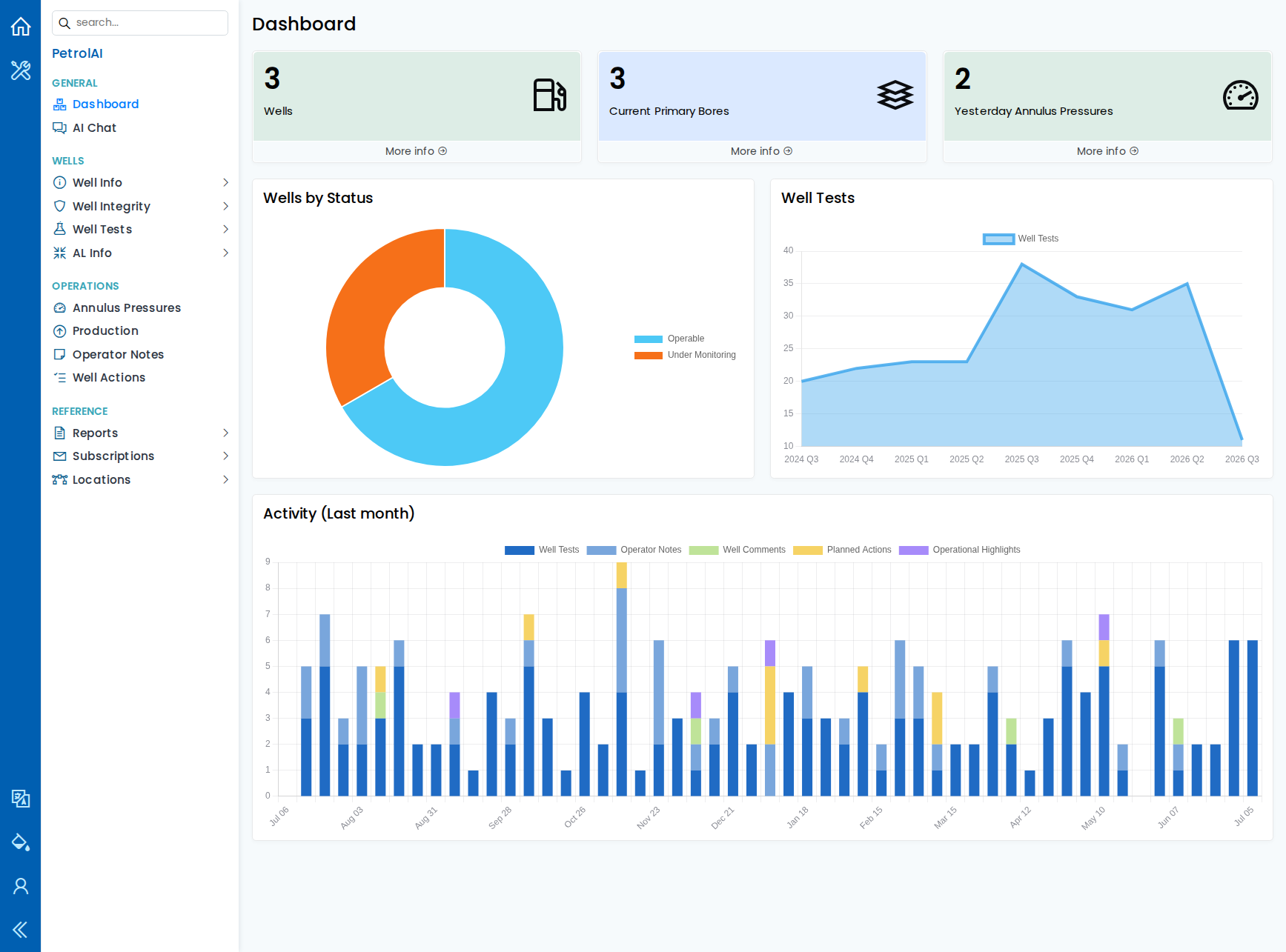
When you log in, the Dashboard gives you an instant overview of your operations:
- Summary cards showing the number of wells, current primary bores, and yesterday's annulus pressure tests -- each with a link to the full data.
- Wells by Status chart showing how your wells are distributed across integrity statuses (e.g., Operable, Under Monitoring).
- Well Tests trend chart displaying test counts by quarter, so you can spot changes over time.
- Activity (Last month) chart breaking down daily entries by type -- well tests, operator notes, well comments, planned actions, and operational highlights.
AI Chat
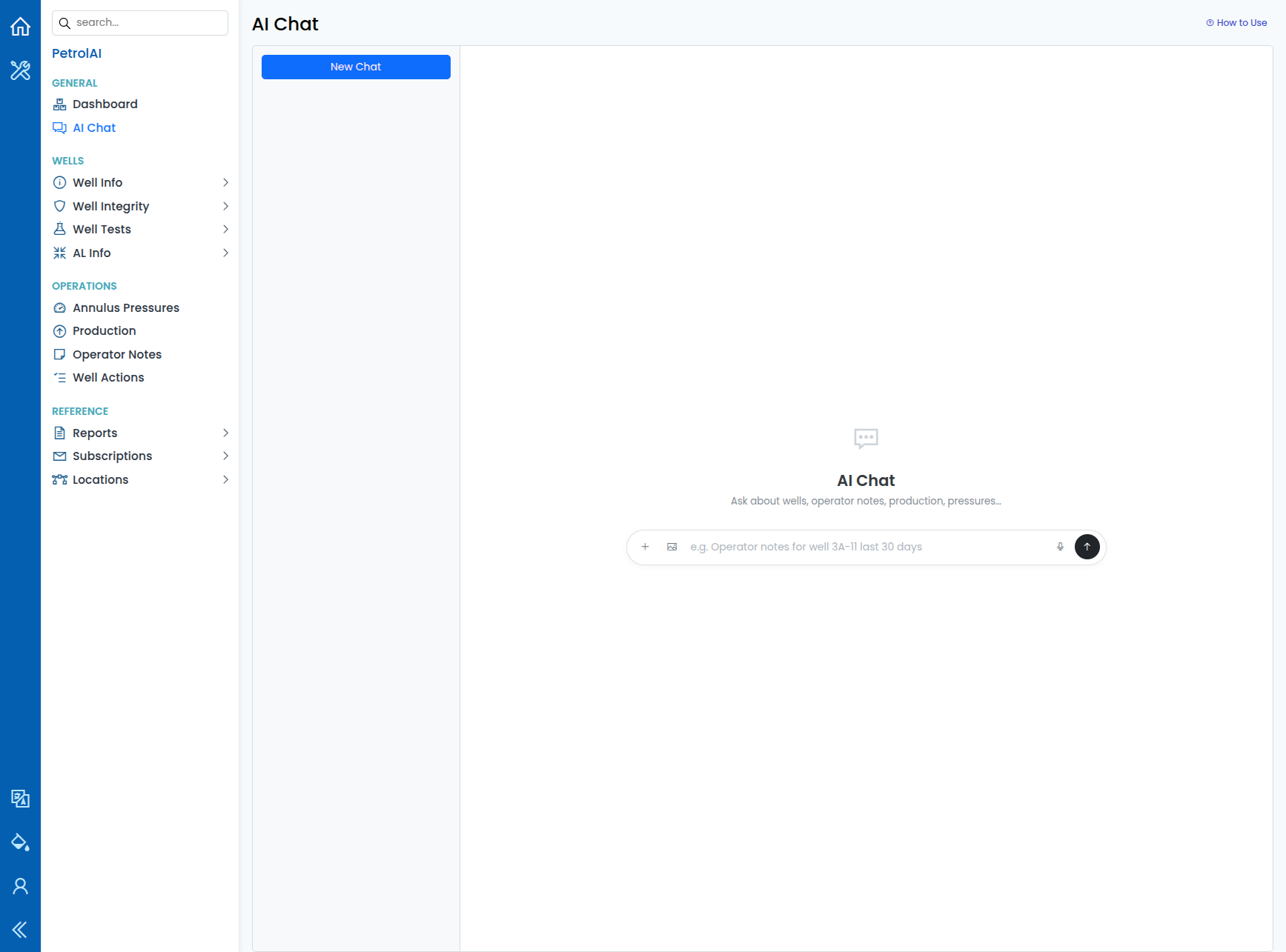
Well Integrity Ops includes AI Chat (under General in the navigation): a conversational workspace that brings data analysis and structured data entry together.
- Chat layout -- Start a New Chat or pick a previous conversation from the sidebar. Type your message, attach files or images, or use voice input where supported, then Send.
- Data analysis -- Ask questions in plain English, for example "Show annulus pressures for pad 3A for the last 10 days." The assistant uses read-only database tools and returns formatted answers in the chat (tables, summaries). Use How to Use on the page for examples and tips.
- Data entry -- Paste or type free-text field notes (daily reports, handover notes). The AI identifies wells and bores by name (including abbreviated or spoken forms) and proposes structured records -- operator notes, well comments, planned actions, and operational highlights -- for you to review before confirming and saving.
- Data sources -- Within your permissions, the assistant can work with operator notes, well comments, annulus pressures, well tests, SBHPs and FBHPs, production, planned actions, well actions, operational highlights, well (bore) information, and well integrity.
Well Information
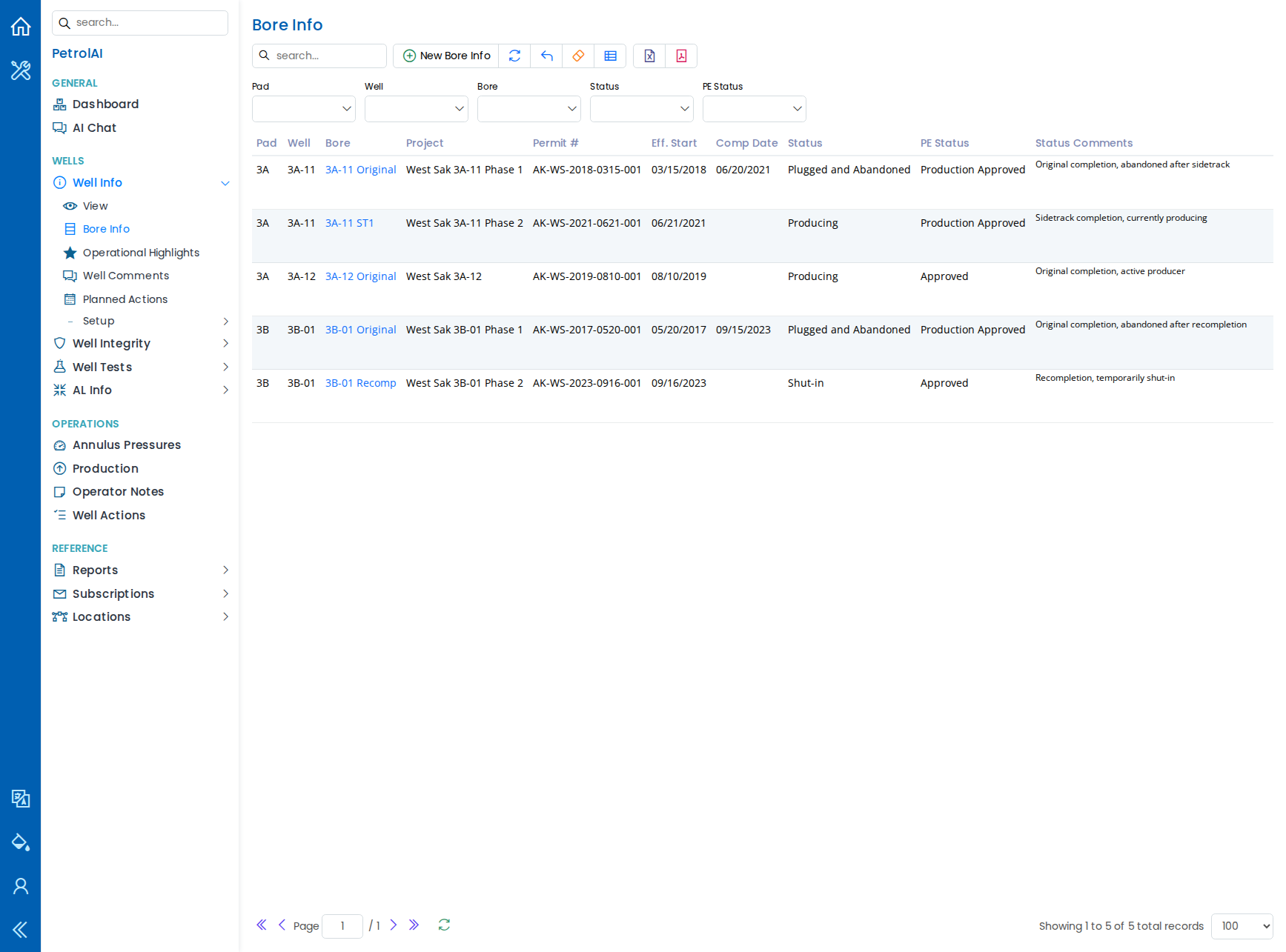
The Well Info section is your central register for bores and wells. From one table you can see pads, wells, bores, projects, permit numbers, effective start and completion dates, statuses, and PE statuses.
Additional sub-pages help you keep detailed records:
- Operational Highlights -- key events and milestones for each bore.
- Well Comments -- time-stamped notes and observations about each bore.
- Planned Actions -- upcoming work items with priorities, responsible persons, equipment types, job statuses, labels, and partner approvals.
All dropdown options (bore statuses, PE statuses, equipment types, priorities, labels, and more) can be customized through the Setup pages to match your organization's terminology.
Well Integrity
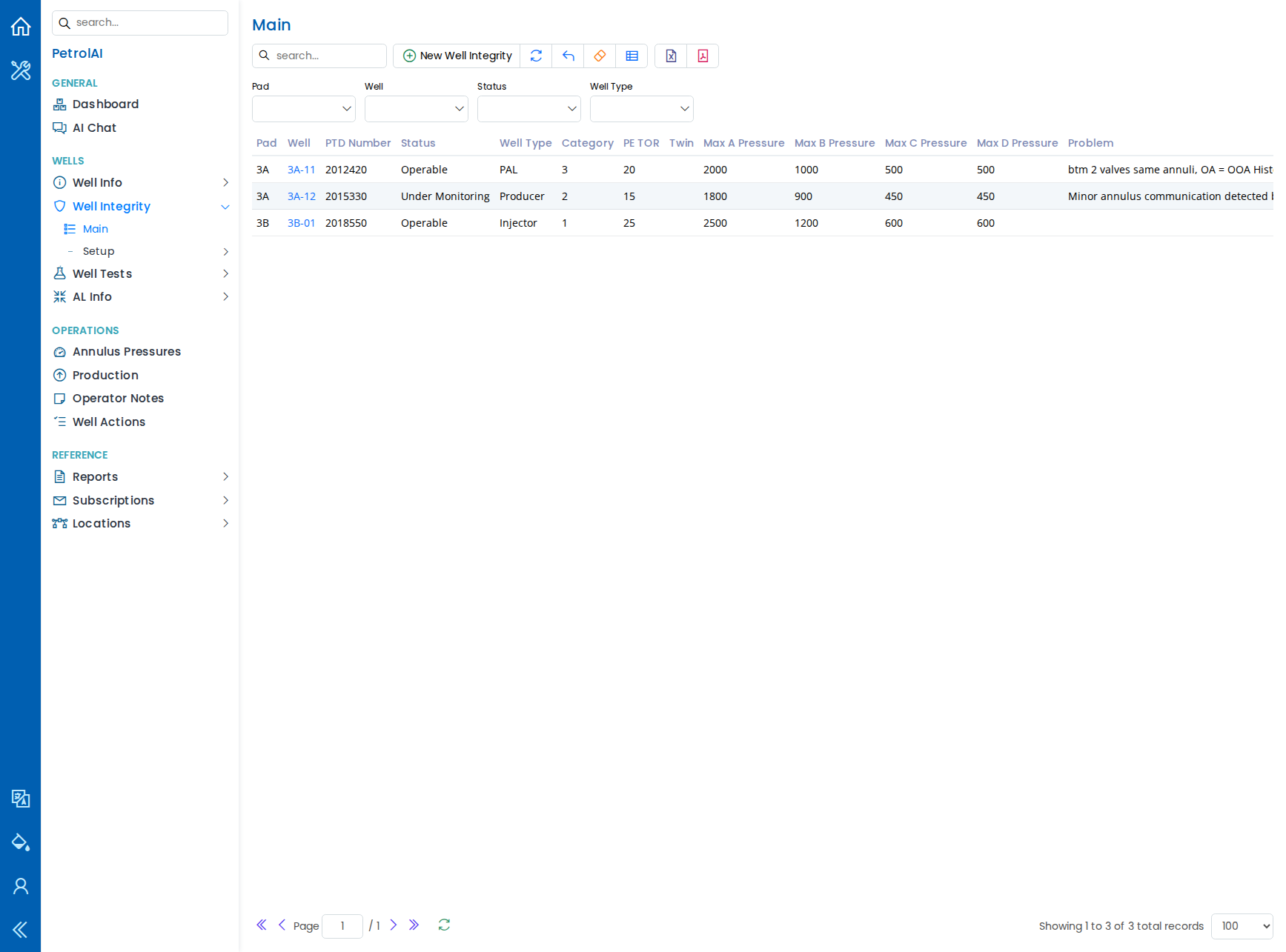
Track the integrity status of each well, including well type, category, active wellbore, maximum annulus pressures (A, B, C, D), leak indicators, problems, planned actions, and optimization notes.
Status codes and well types are fully configurable in the Setup section.
Well Tests
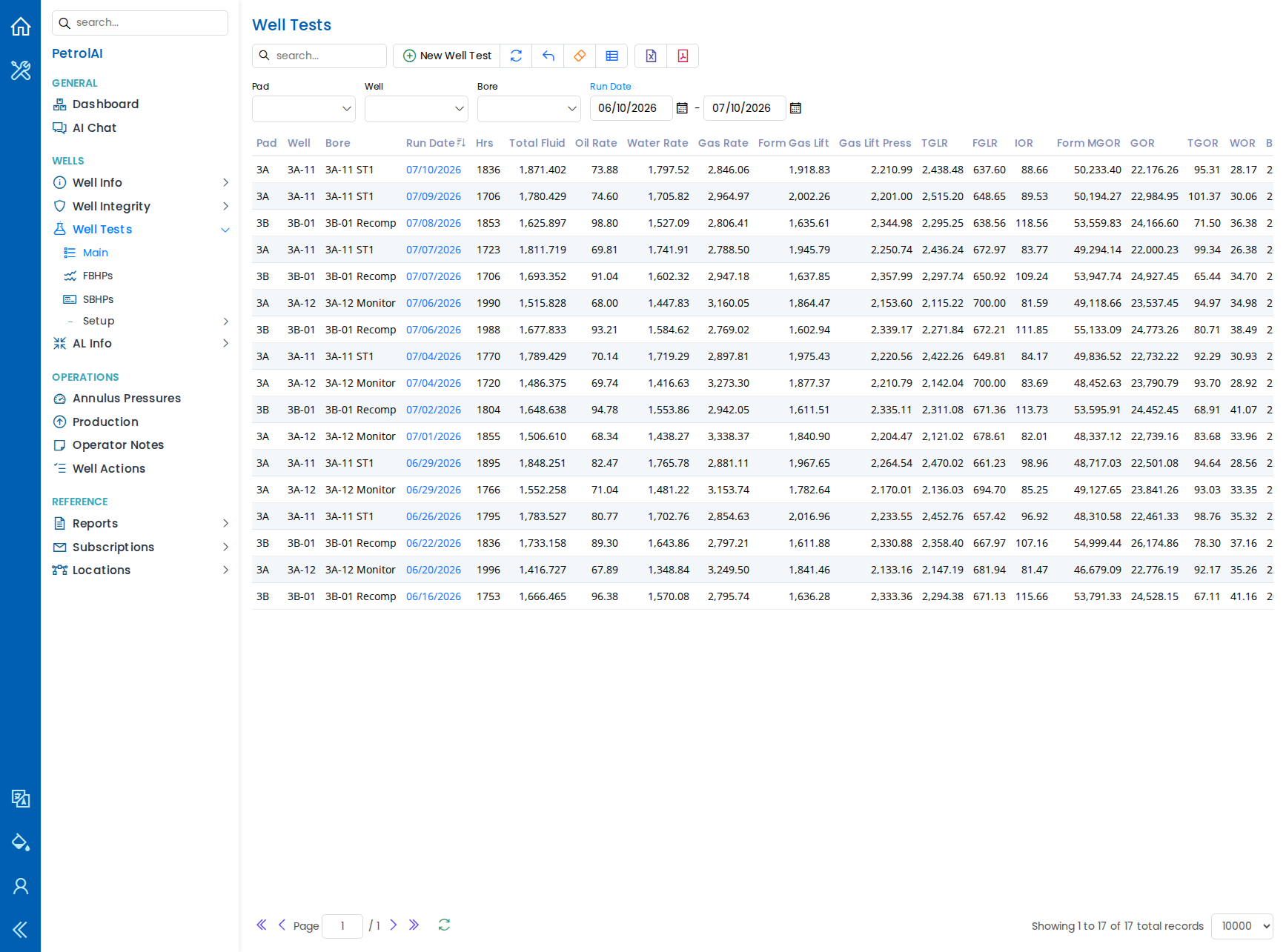
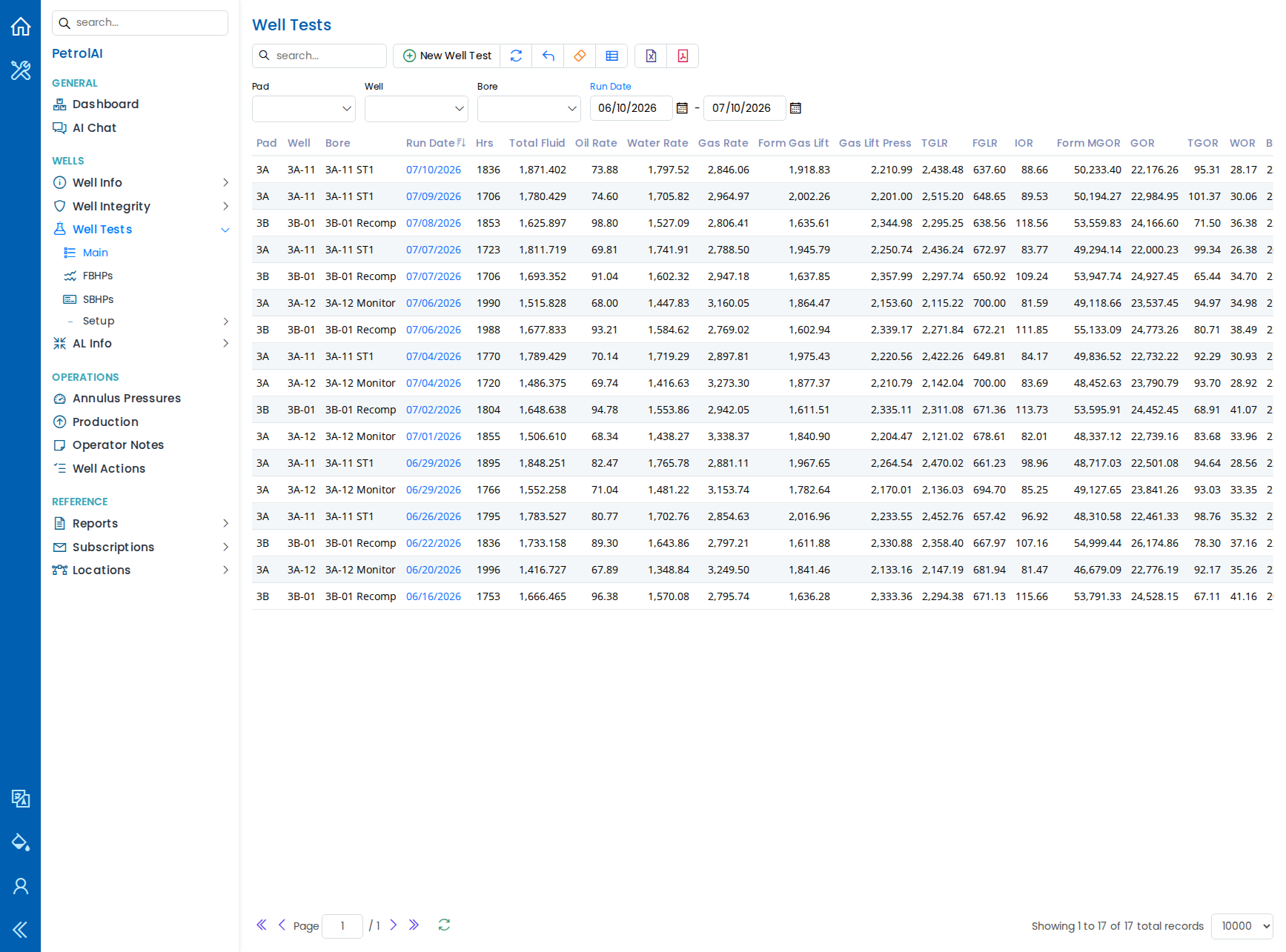
Record and review well test results, including total fluid, oil rate, water rate, gas rate, gas lift parameters, pressures, and temperatures.
Two dedicated sub-pages cover specific pressure measurements:
- FBHPs (Flowing Bottom Hole Pressures)
- SBHPs (Static Bottom Hole Pressures) -- with survey type, zone, days shut-in, and datum information.
Test types, test statuses, survey types, and zones are all configurable.
AL Info (Artificial Lift)
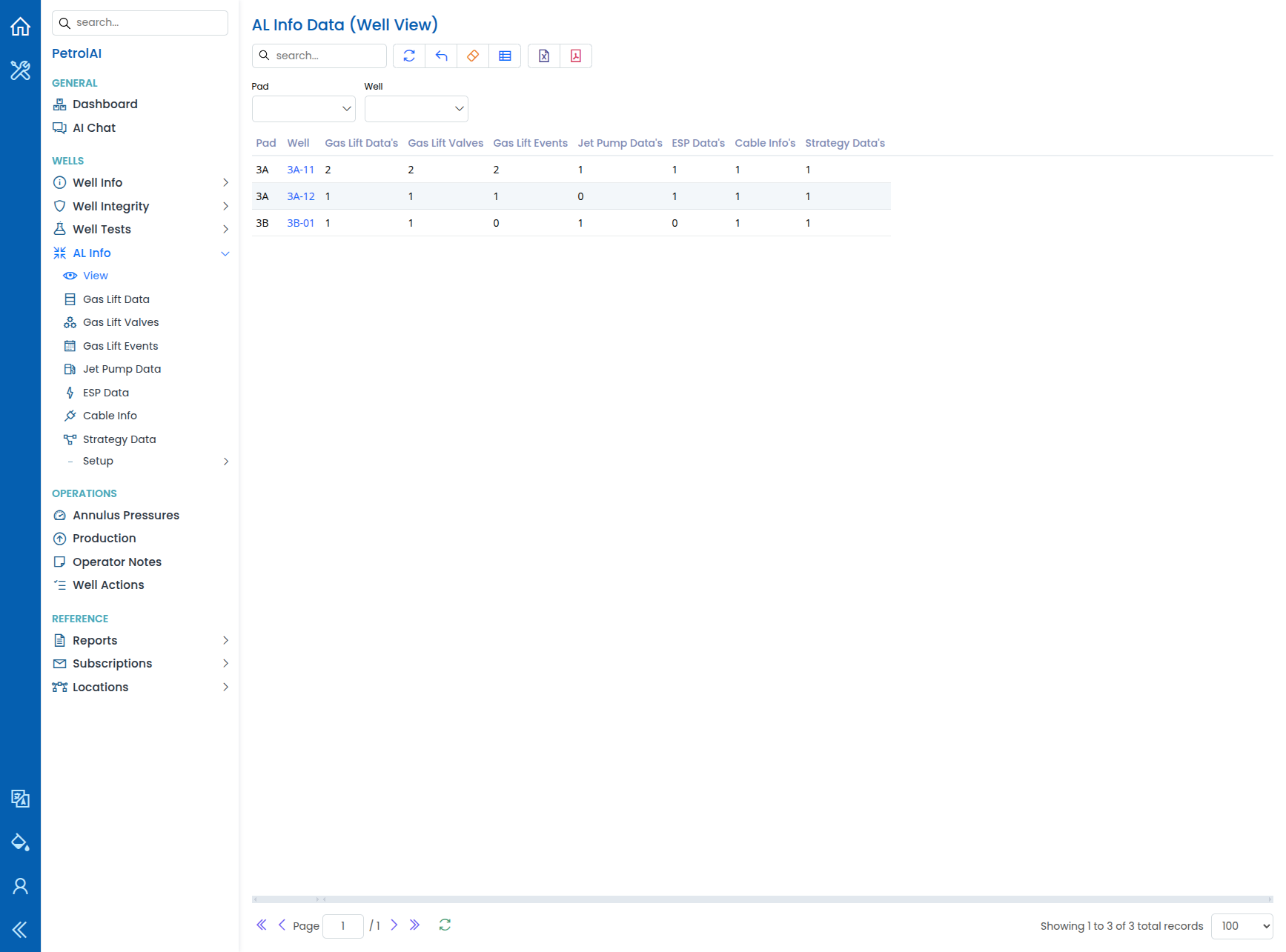
The AL Info module (under Wells) groups artificial-lift records by well so you can track gas lift, jet pumps, ESPs, cables, and lift strategy in one place.
- View -- A read-only well-level summary with counts of related records: gas lift data, gas lift valves, gas lift events, jet pump data, ESP data, cable info, and strategy data. Filter by pad or well to see coverage at a glance.
- Gas Lift Data, Gas Lift Valves, Gas Lift Events -- Design types, tubing sizes, valve configuration, and operational lift events.
- Jet Pump Data -- Jet pump parameters per well.
- ESP Data -- Electrical submersible pump records.
- Cable Info -- Cable specifications (families, conductor sizes).
- Strategy Data -- Artificial lift strategy (targets, categories, cause analysis).
Lookup values for all of the above are configurable under AL Info > Setup.
Annulus Pressures
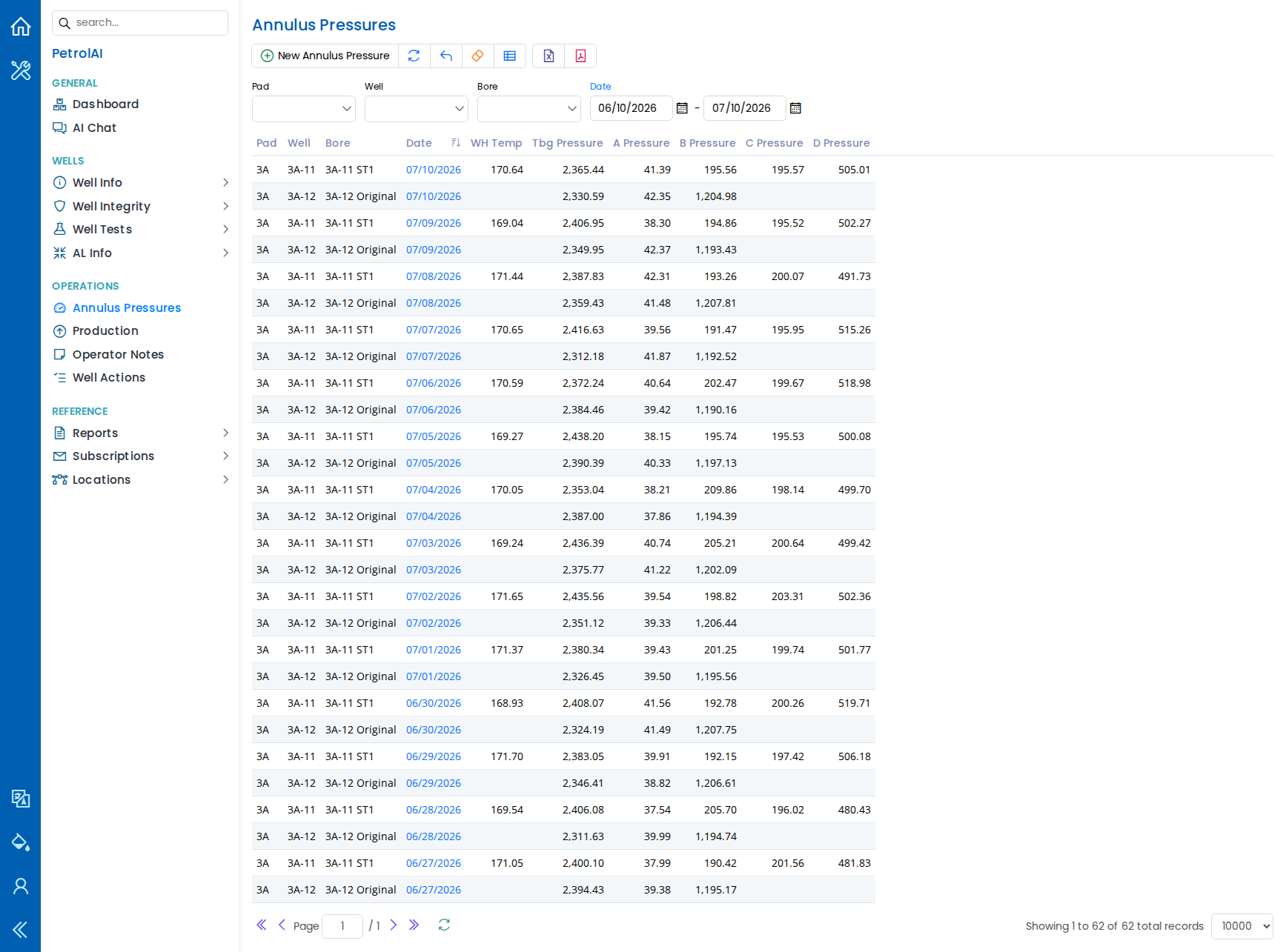
Log annulus pressure tests per bore, including tubing pressure and pressures for annuli A, B, C, and D. The system automatically shows the maximum allowed pressures from the Well Integrity record, so you can immediately see if readings are within limits.
Production
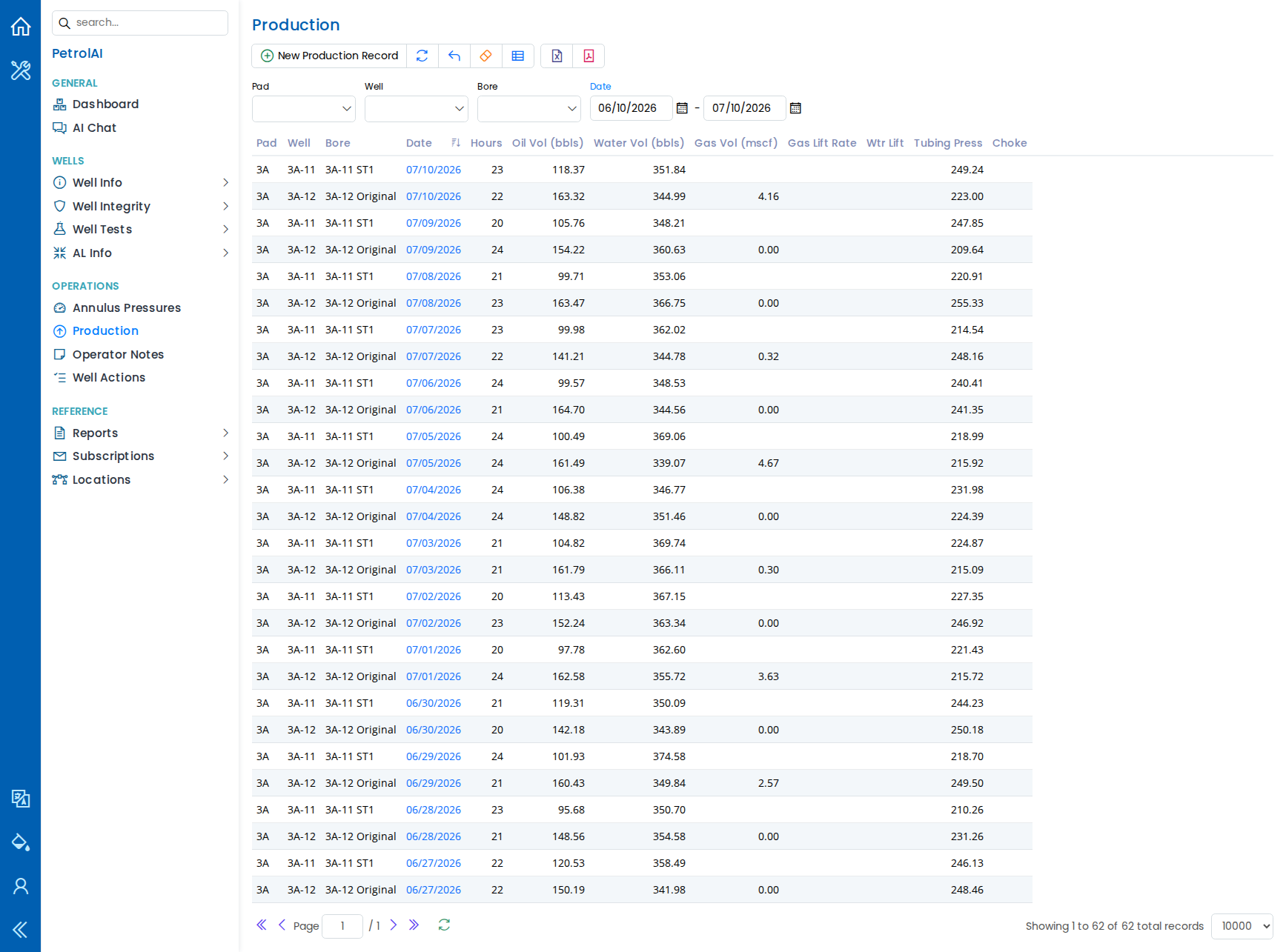
Track production data per bore: oil volume, water volume, gas volume, gas lift rate, tubing pressure, choke settings, and operating hours. Date-range filters let you focus on any time period.
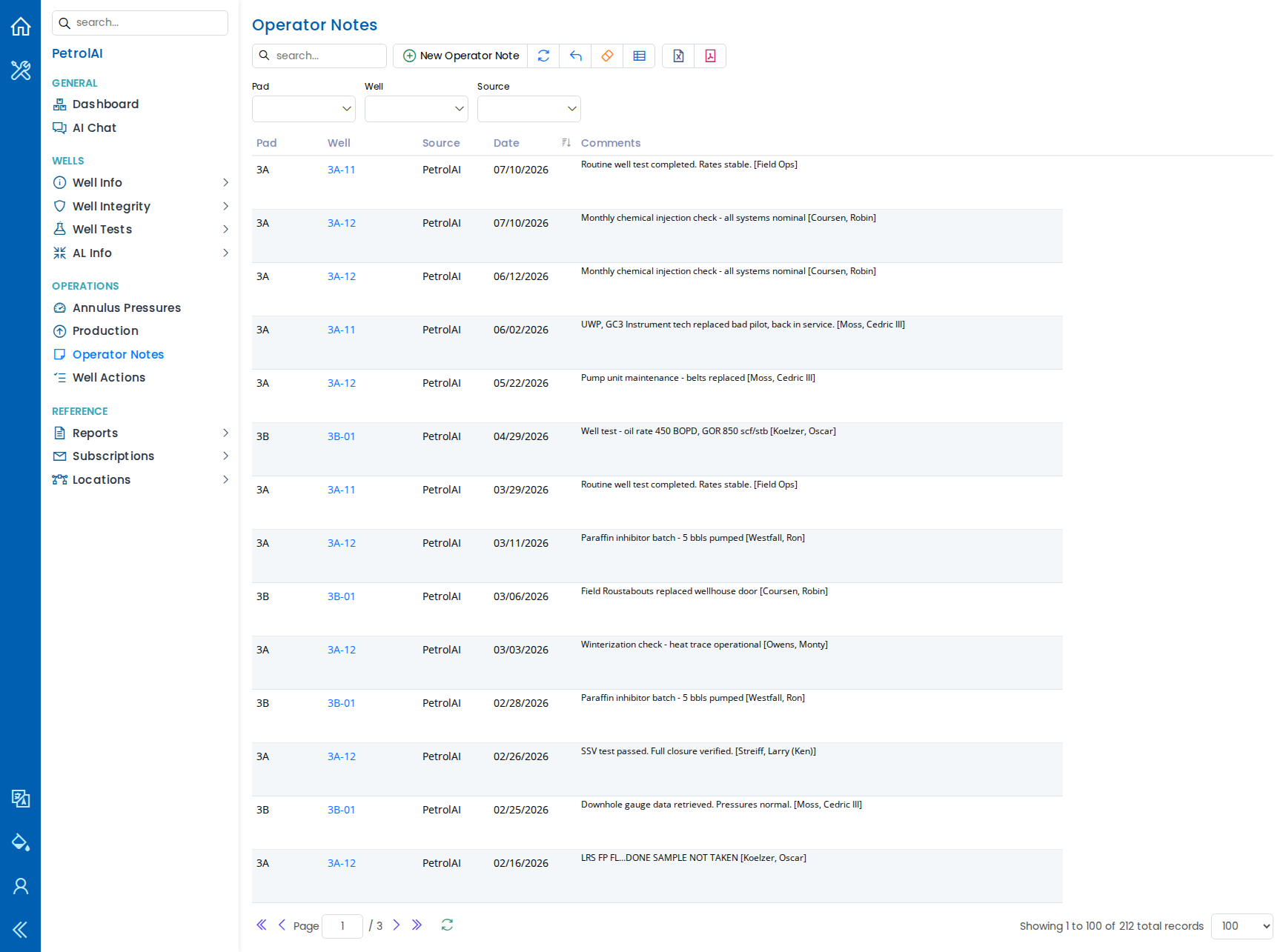
Operator Notes
Record operator notes per well with date and comments. Notes entered through Well Integrity Ops are automatically tagged with their source for traceability.
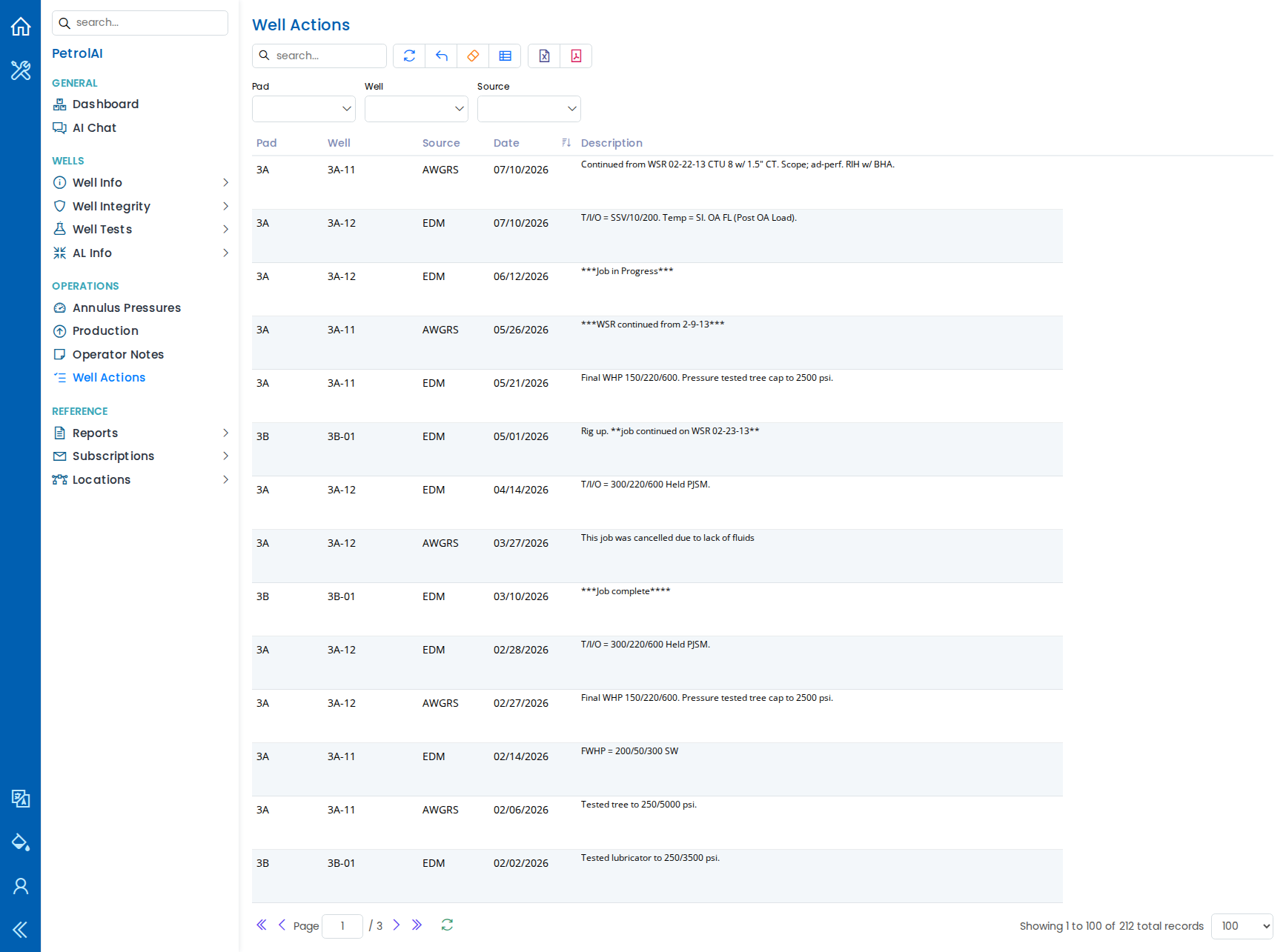
Well Actions
View a summary of well actions across your operations, including action dates, descriptions, and associated wells.
Reports
Under Reference > Reports, Well Integrity Ops offers two report generators.
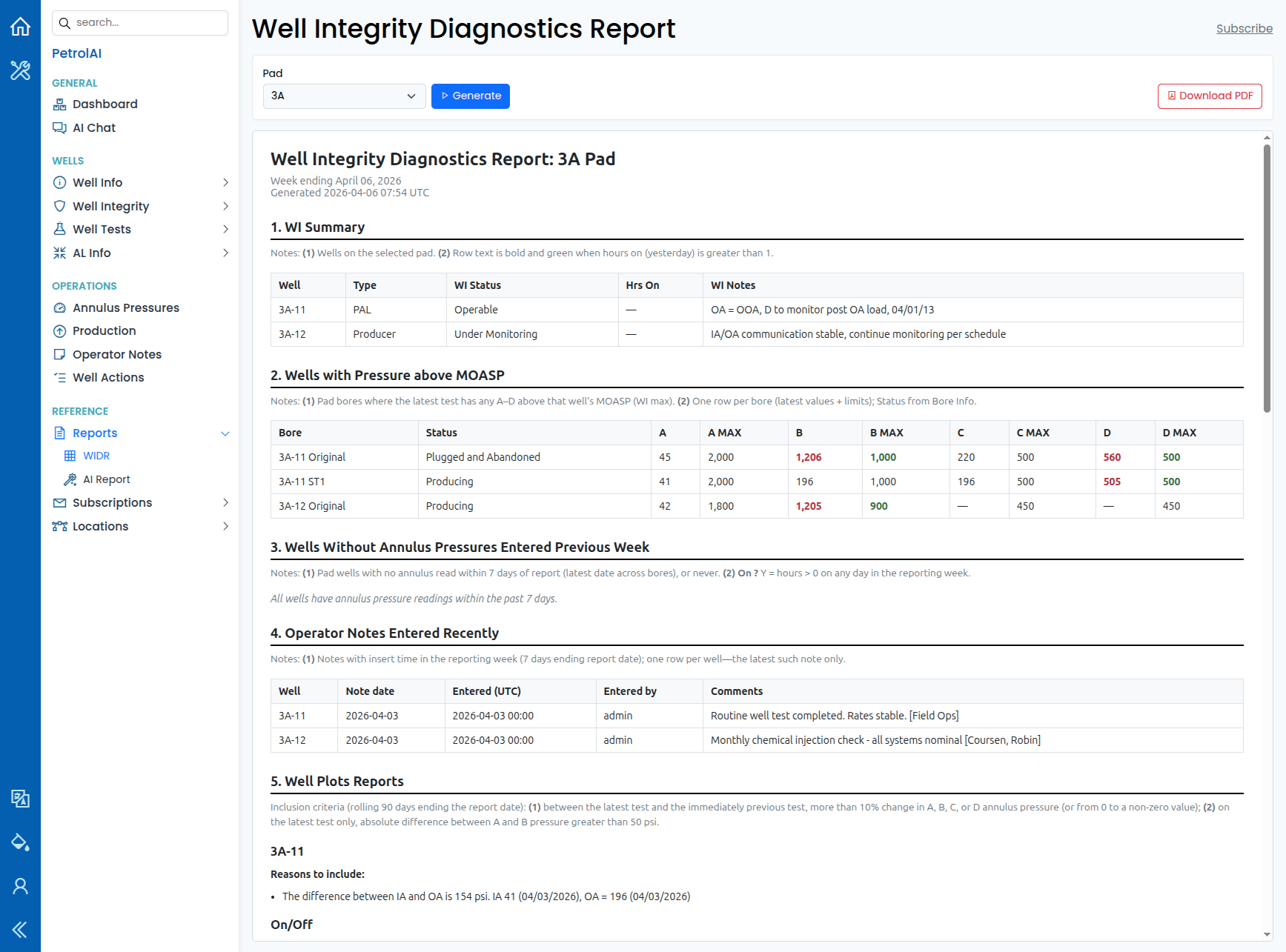
WIDR (Well Integrity Diagnostics Report)
A pad-centric Well Integrity Diagnostics Report. Choose a pad, click Generate, and the system builds a weekly-style view that can include: well integrity summary, wells with annulus pressure above maximum operating annulus surface pressure (MOASP), wells missing recent annulus readings, recently entered operator notes, and well-plot / diagnostics narrative where criteria are met. Download PDF saves the report. Use Subscribe to set up recurring email delivery (see Subscriptions).
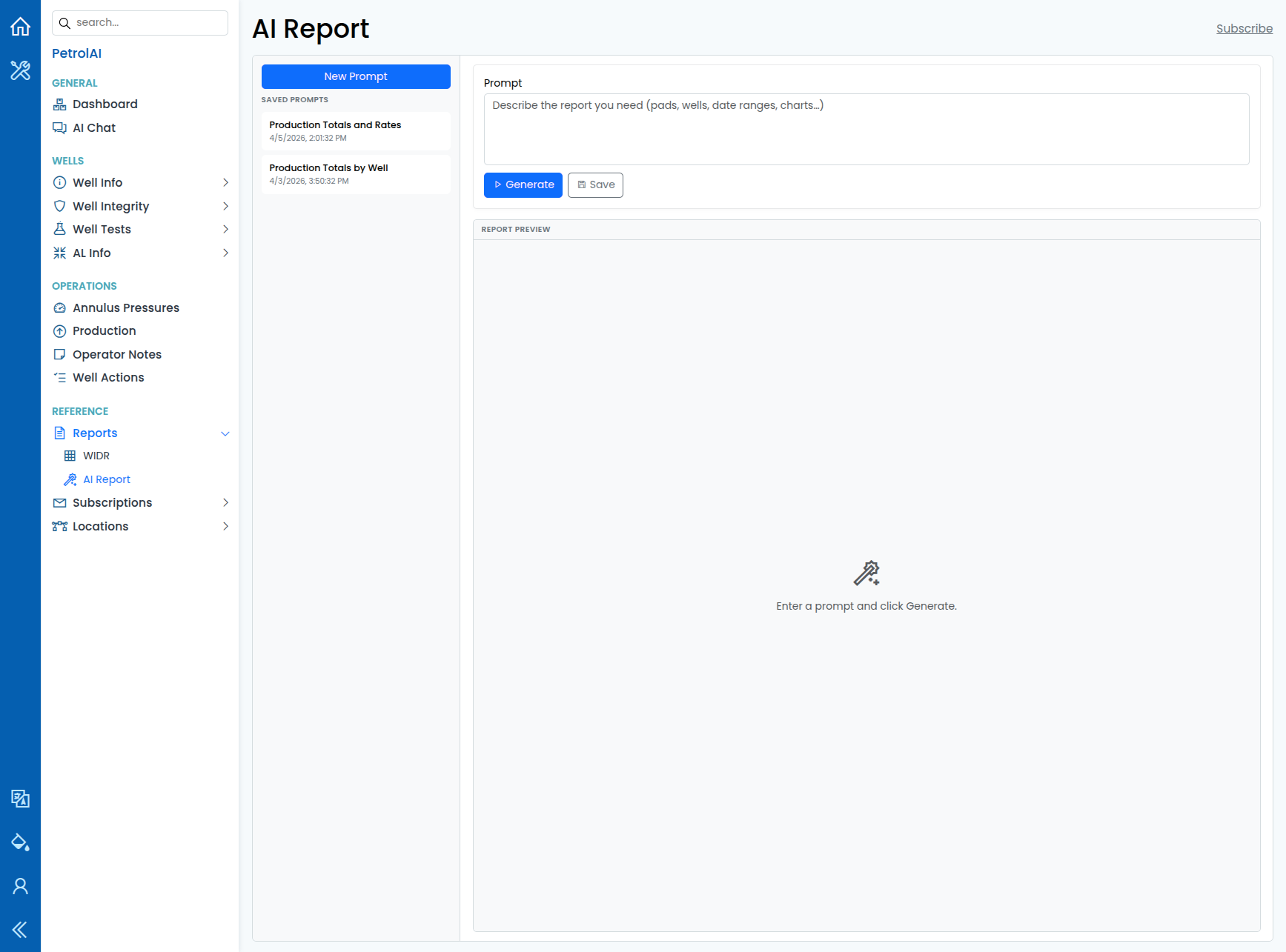
AI Report
Describe the report you need in plain English -- pads, wells, date ranges, tables, charts. The system runs read-only queries against your data, assembles an HTML report with tables and optional charts, and lets you download a PDF. Save prompts you use often and reopen them from the saved-prompts list. Subscribe links to scheduled email delivery for a chosen saved prompt.
Subscriptions
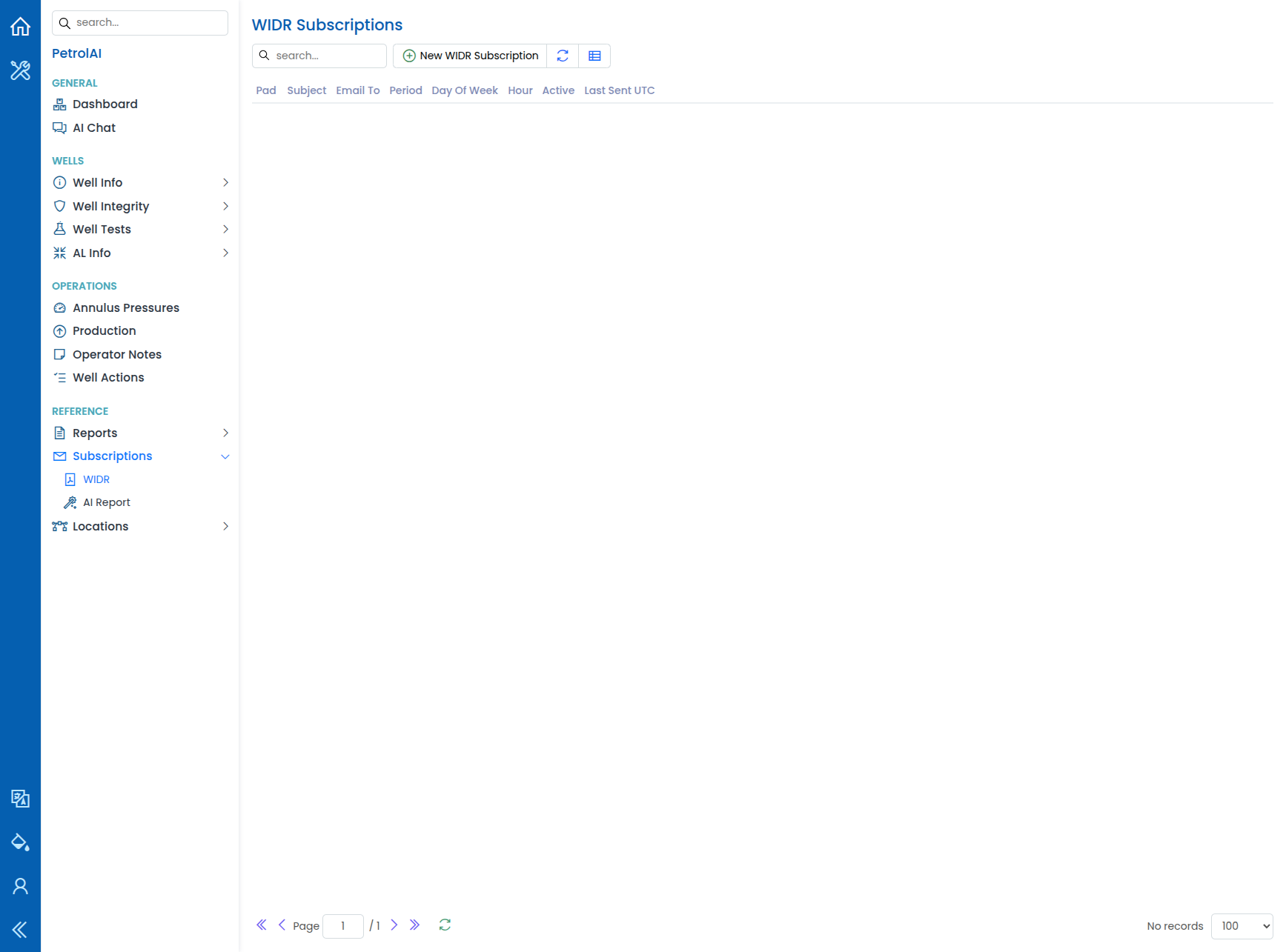
Under Reference > Subscriptions, configure WIDR or AI Report subscriptions so reports are generated on a schedule and emailed as PDF attachments.
- For WIDR, choose the pad; for AI Report, choose a saved prompt.
- Set email recipients, subject, period (daily or weekly), day of week (for weekly), hour (UTC), and whether the subscription is active.
- Last sent timestamps help you confirm delivery.
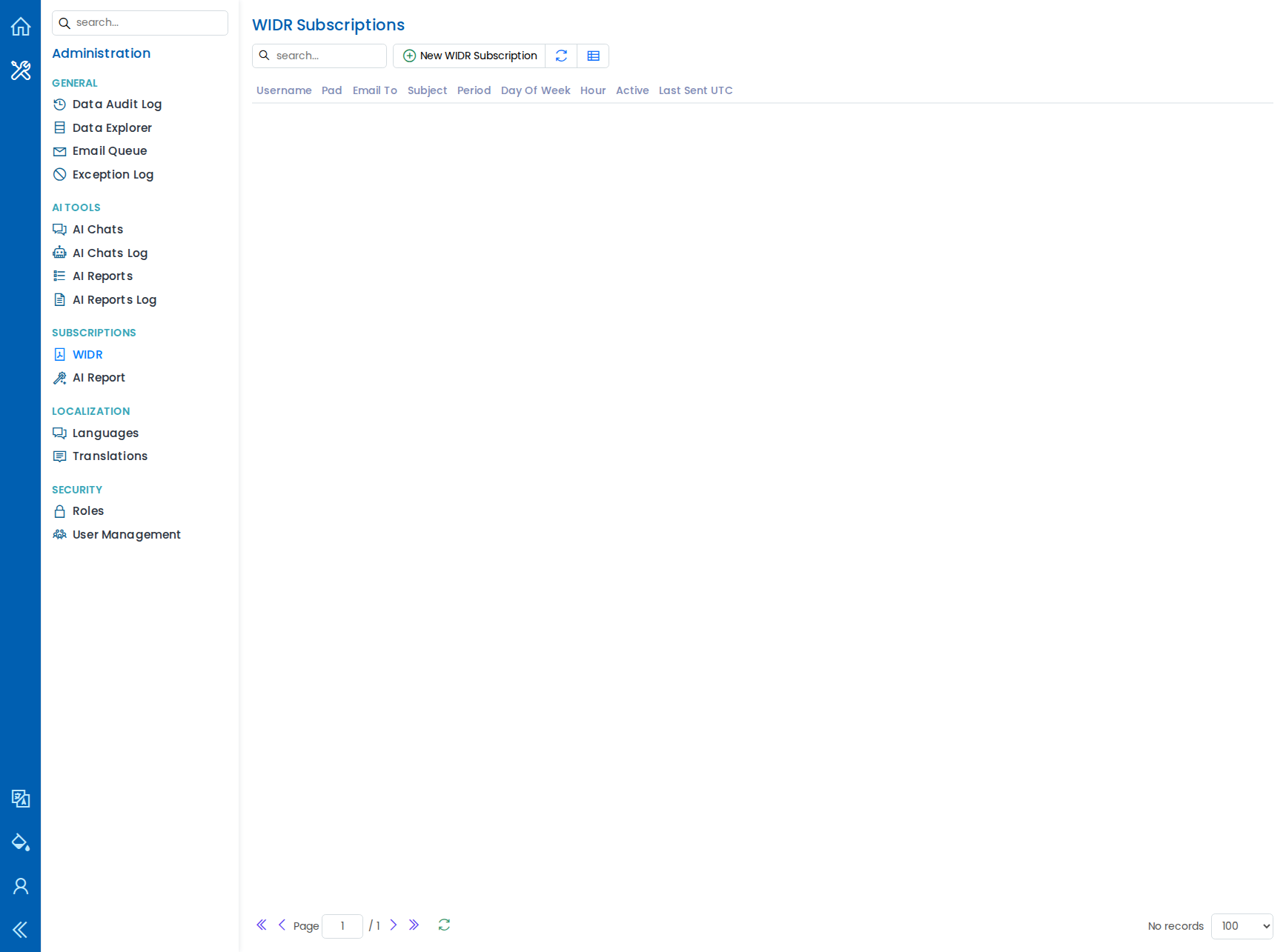
Administrators can review all users' subscriptions under Administration > Subscriptions.
Location Management
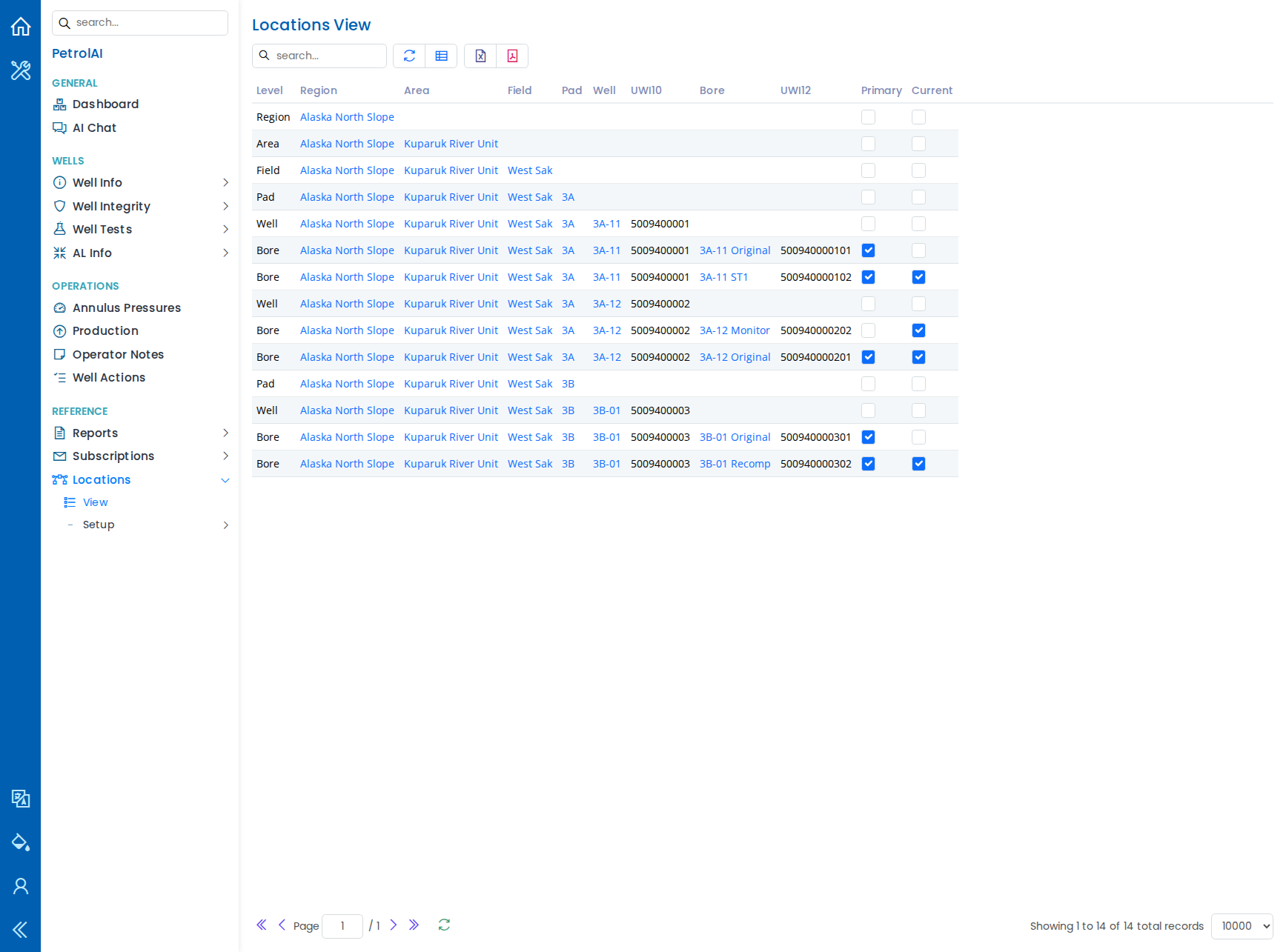
Well Integrity Ops uses a six-level location hierarchy:
Region > Area > Field > Pad > Well > Bore
The Locations View page shows all levels in a single, searchable table. Each level can be managed individually through the Setup pages (Regions, Areas, Fields, Pads, Wells, Bores). Wells carry a 10-digit unique identifier (UWI10), and bores carry a 12-digit identifier (UWI12) along with primary and current flags.
Working with Data Tables
Every data table in Well Integrity Ops comes with tools to help you find, organize, and share information efficiently:
- Saved layouts -- Your column order, column widths, sort settings, and filters are automatically saved for each page. When you return, everything is exactly as you left it.
- Restore defaults -- One click returns the table to its original layout.
- Quick search -- Type a keyword to instantly filter the visible records.
- Filters -- Use drop-down filters at the top of each table (pad, well, bore, status, date range) to narrow down results.
- Clean filters -- One click clears all active filters.
- Export to Excel -- Download the current view as an Excel file for offline analysis or reporting.
- Export to PDF -- Generate a PDF of the current view for sharing or printing.
- Adjustable page size -- Choose how many rows to display per page (20, 100, 500, 2,500, or up to 10,000).
- Shareable views -- Filters are saved in the page address, so you can share a filtered view with a colleague by copying the link from your browser.
- Column picker -- Show or hide columns and reorder them by dragging. Hidden columns can be restored at any time.
Administration
Well Integrity Ops includes a full administration area for managing users, security, and system settings.
AI Tools
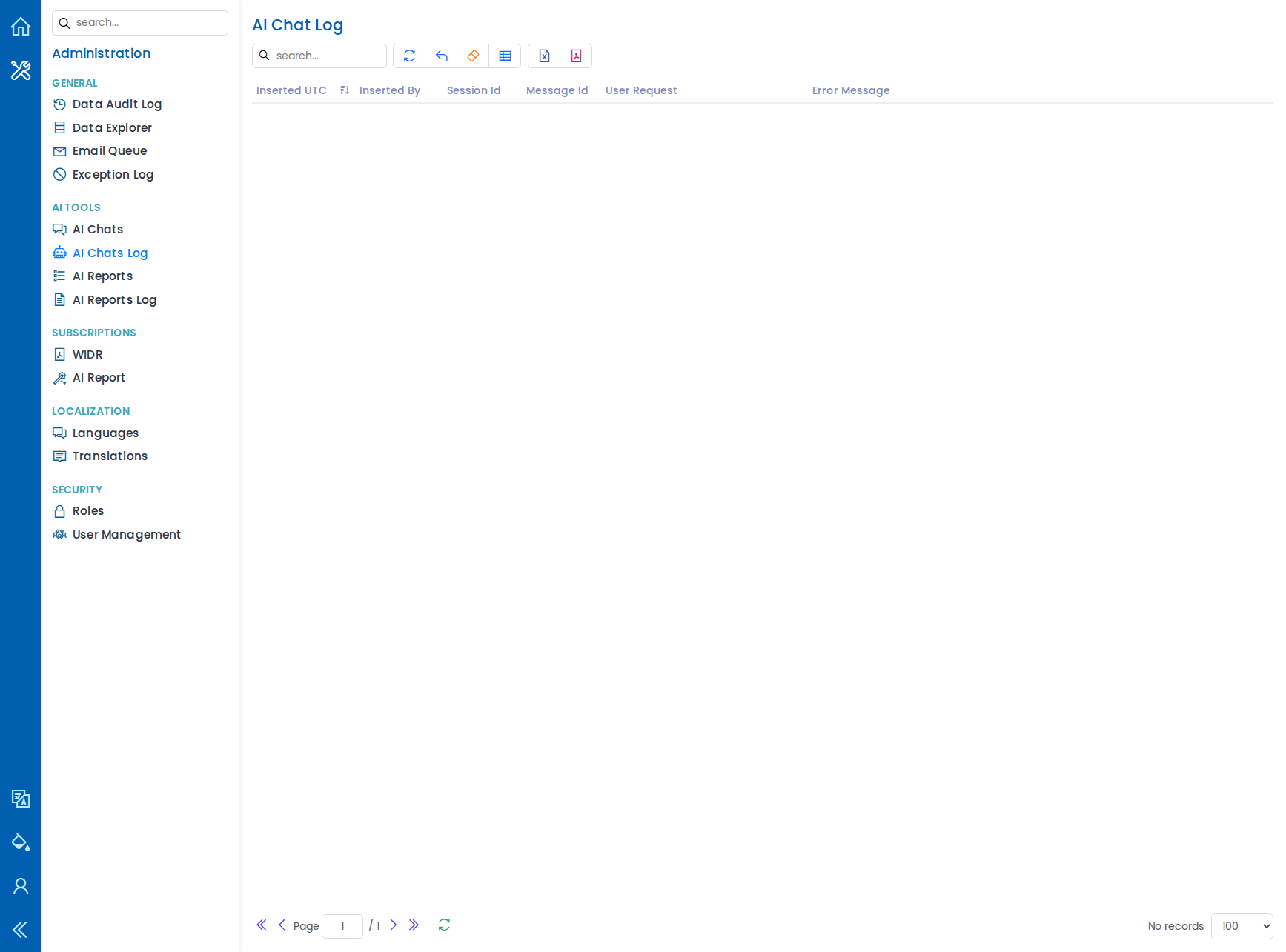
Review AI Chat Log and AI Report Log for user requests, LLM exchanges, durations, and errors. AI Report Prompts provides an administrative view of saved report prompts.
Subscriptions (all users)
Manage WIDR and AI Report subscriptions for every user in one place.
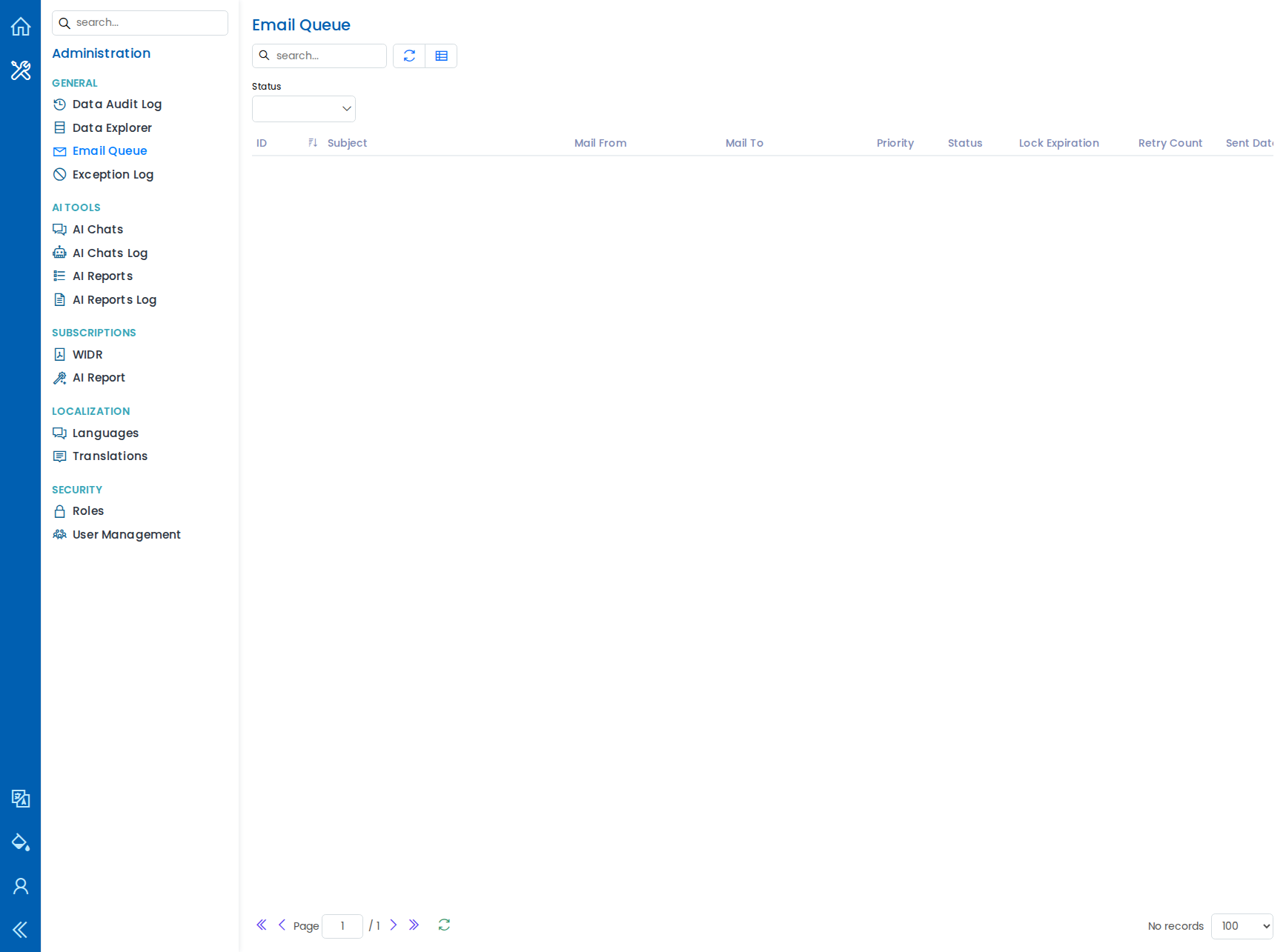
Email Queue
View outgoing email and delivery status.
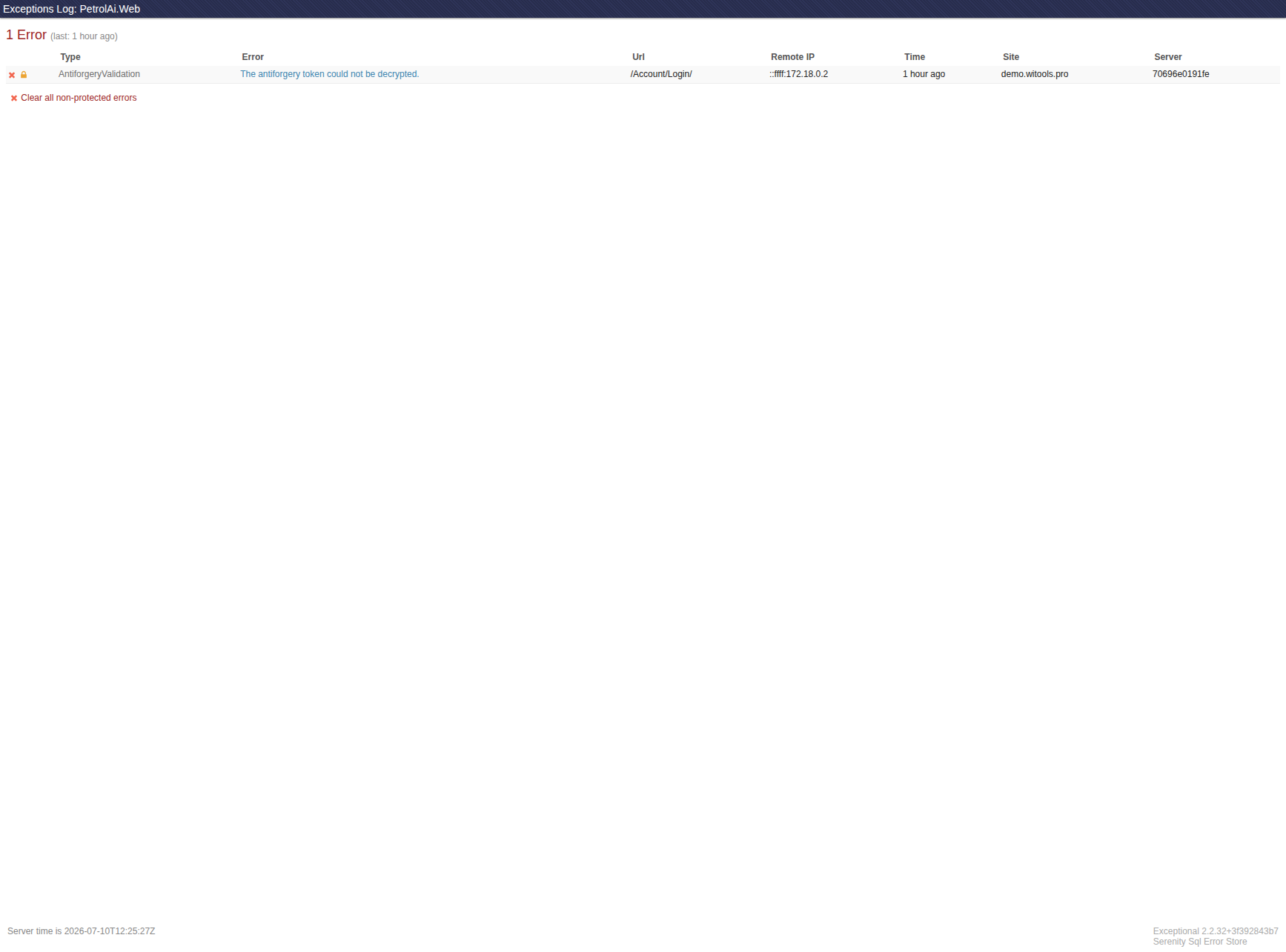
Exception Log
Inspect application errors for troubleshooting.
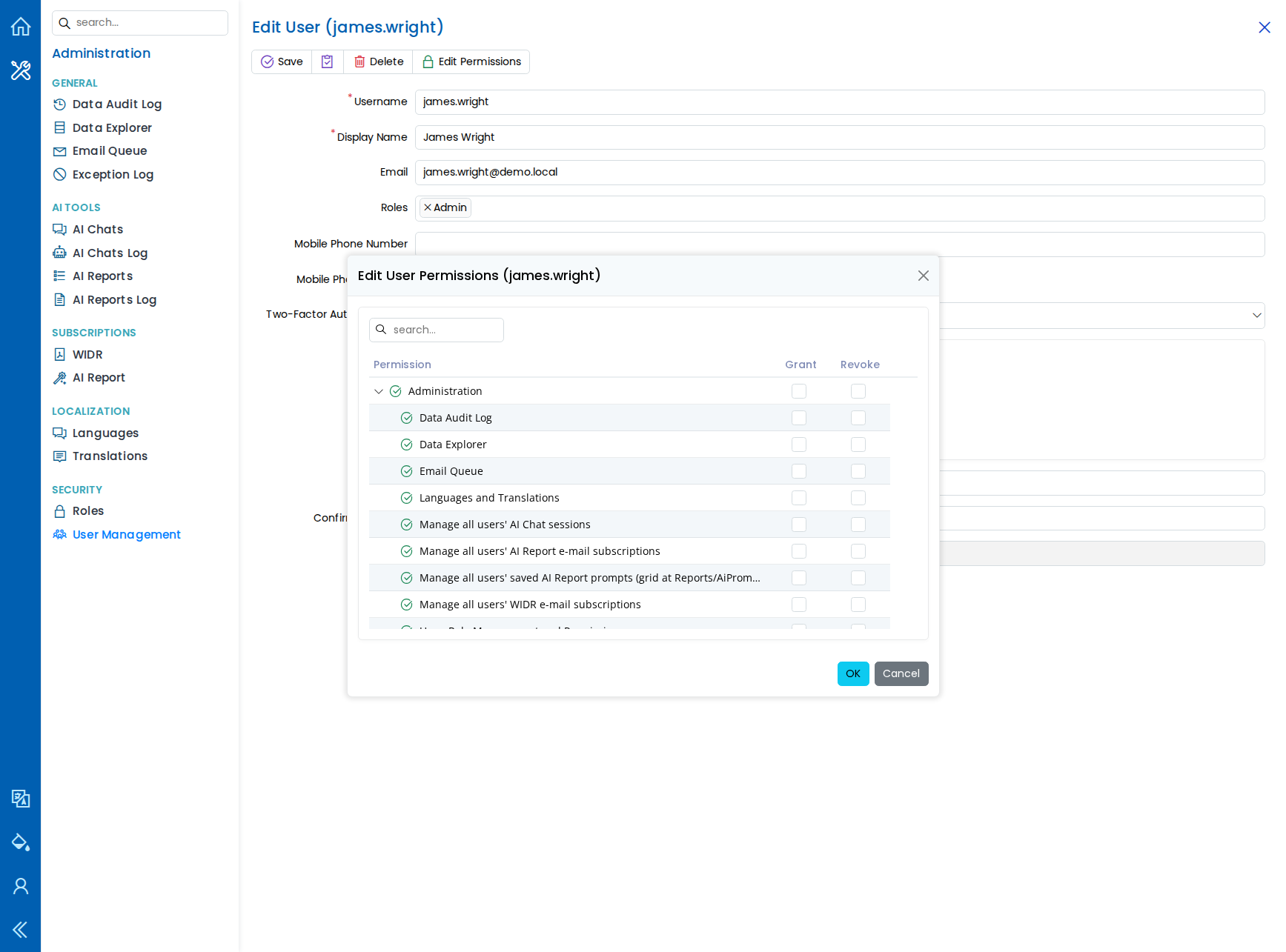
User Management
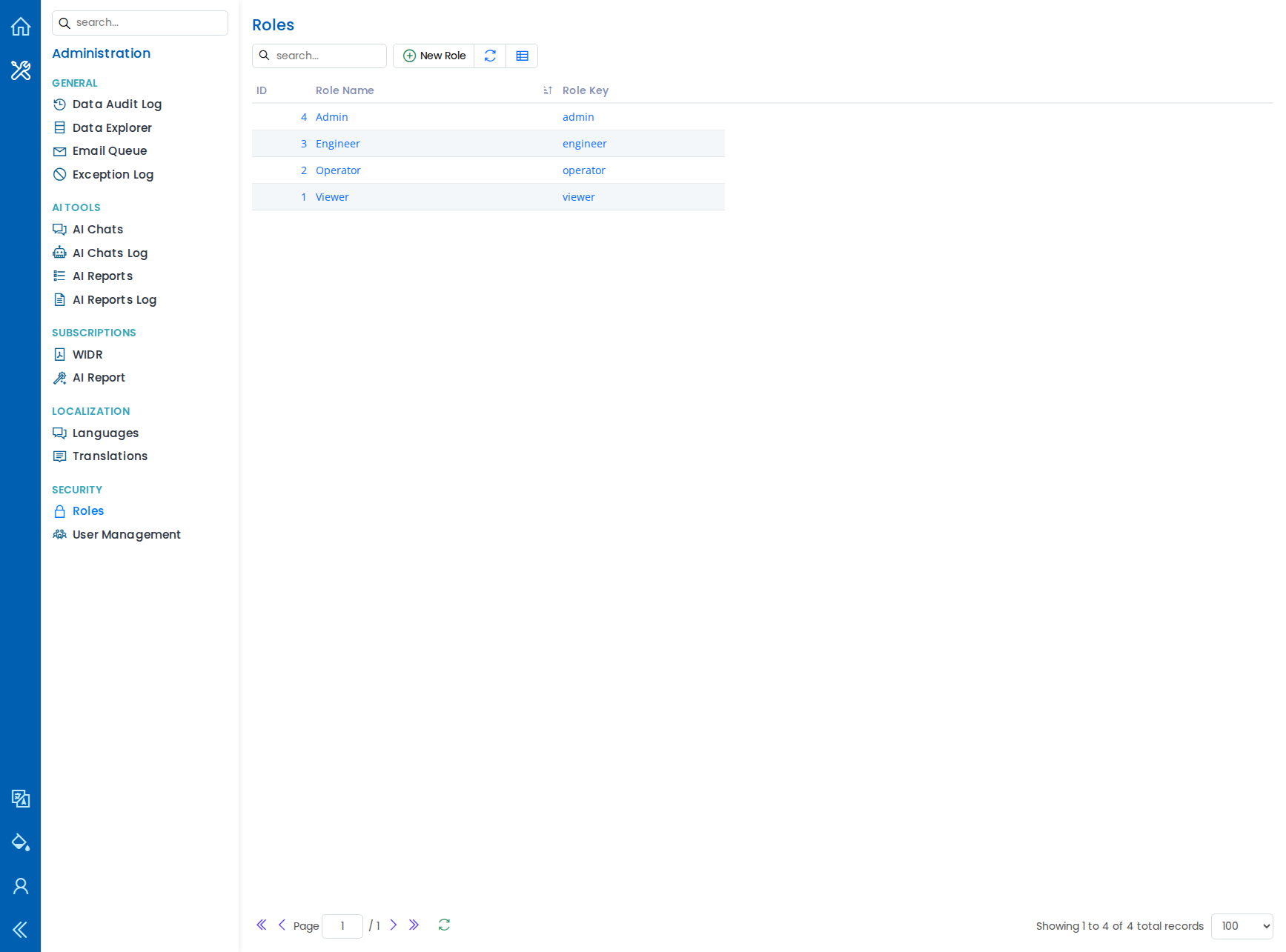
Create and manage user accounts. Each user can be assigned to one or more roles and given individual permissions. Permissions are controlled per module (Well Info, Well Tests, Annulus Pressures, etc.) with separate Read, Modify, and Setup levels. Administrators can grant or revoke specific permissions for each user.
Roles
Define roles to group commonly used permissions together, then assign roles to users for quick access control.
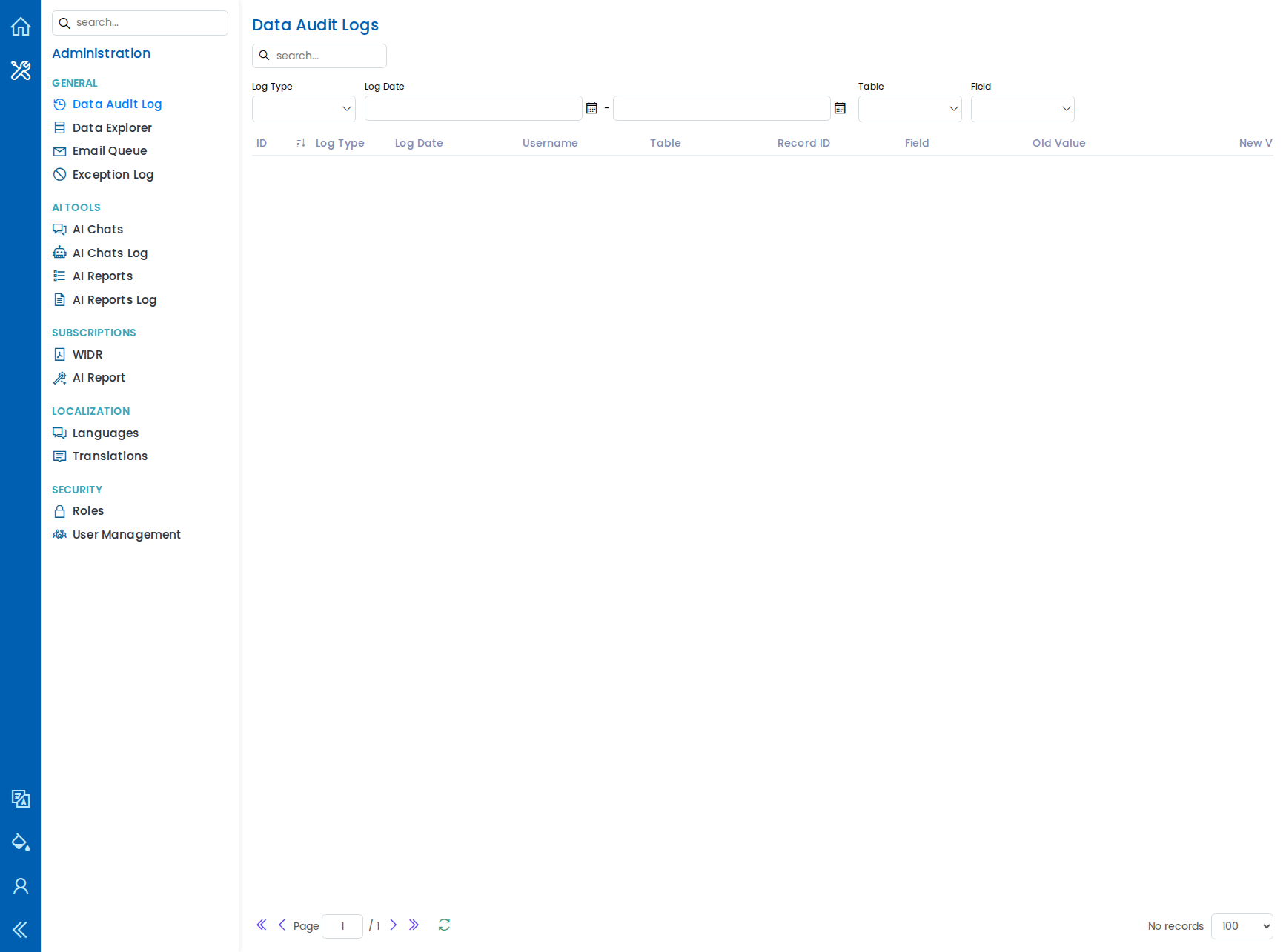
Data Audit Log
See a full history of every change made in the system: who changed which record, when, which field was modified, and what the old and new values were. This supports compliance requirements and helps trace data changes.
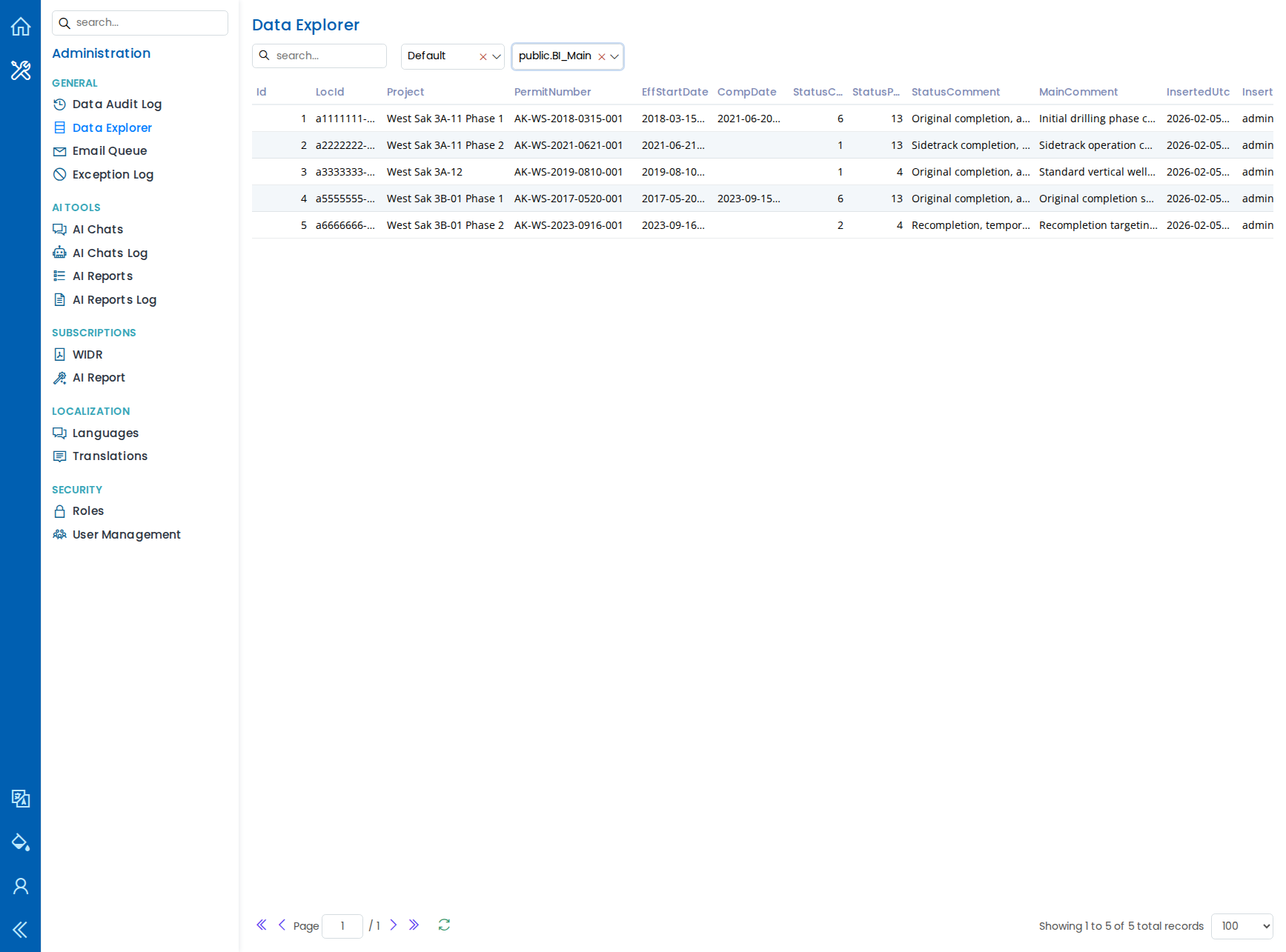
Data Explorer
Browse data tables directly for quick checks or lookups, without leaving Well Integrity Ops.
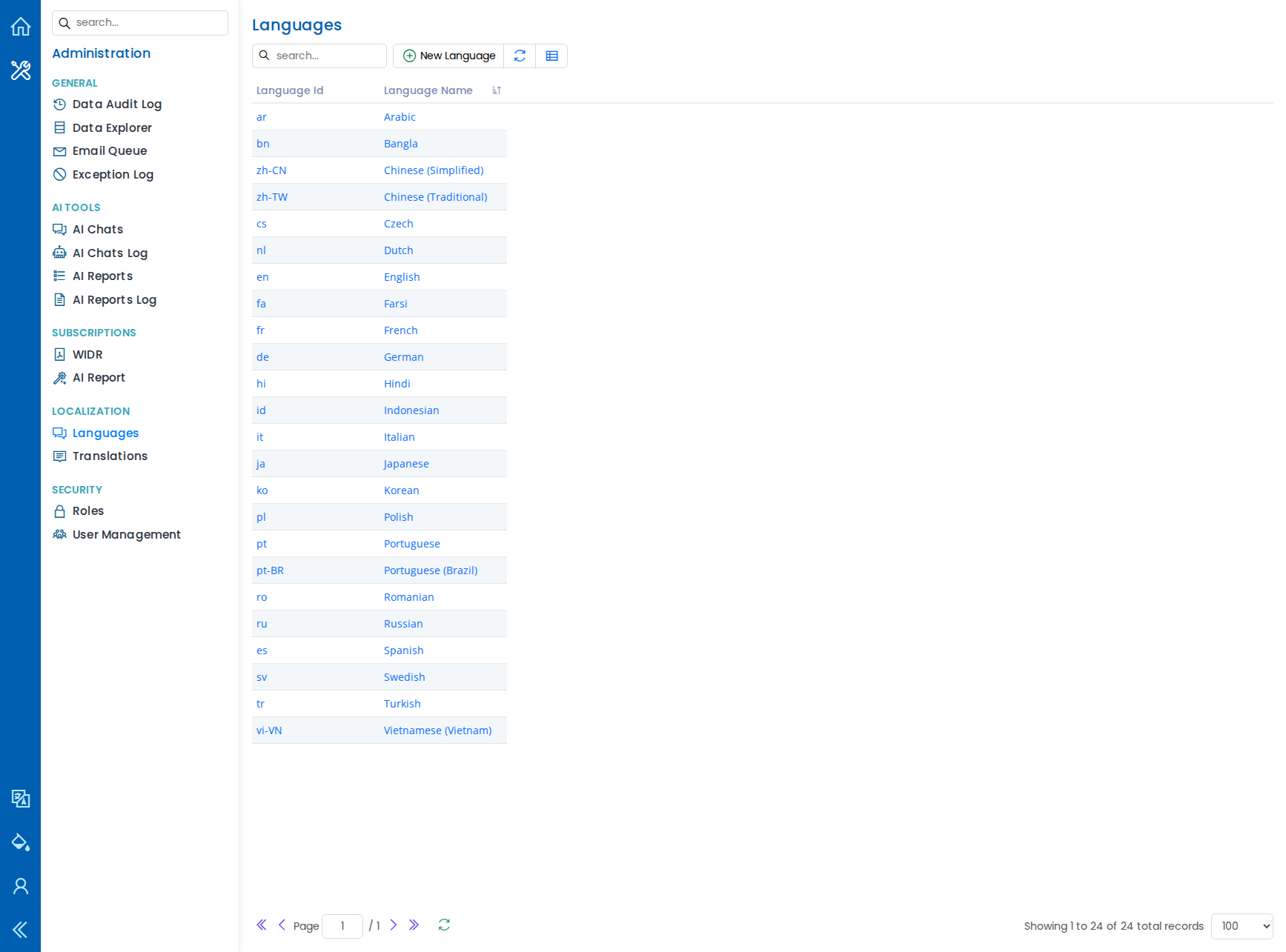
Multi-Language Support
Well Integrity Ops supports multiple languages. Administrators can enable languages and manage translations from the Localization settings.
Access and Security
- Runs in any modern web browser -- no software to install on your computer.
- User permissions control who can view or edit each section of data.
- All data changes are tracked in the audit log.
- Supports multiple themes (light and dark) for comfortable viewing.
Well Integrity Ops -- your central workspace for well operations, integrity tracking, and data-driven decisions.